Los Angeles
Sites built to load fast, rank, and convert.
Leadbox designs and builds websites for Los Angeles businesses, then trains your team to run them. Most projects go live in days, not weeks.
Why teams hand us the build
You end up self-sufficient
Training comes with the project: live sessions, written guides, and recorded walkthroughs. Support answers around the clock for the first months, then your team handles the routine work.
Marketing is wired in from the start
TTO tags and event tracking go into the site as it is built, so click, scroll, form, and call data are captured from day one instead of bolted on later.
Design that looks like the brand
Color, layout, type, logo, and photography get treated as one system, and every page ships responsive.
Content that stays current
We sort the user journey, write or organize the copy, upload it, and show your team how to edit without breaking the layout.
Visibility measured, not assumed
SEO reports, landing page design, and A/B tests turn the site from a brochure into a channel you can tune.
What is included
Marketing plan
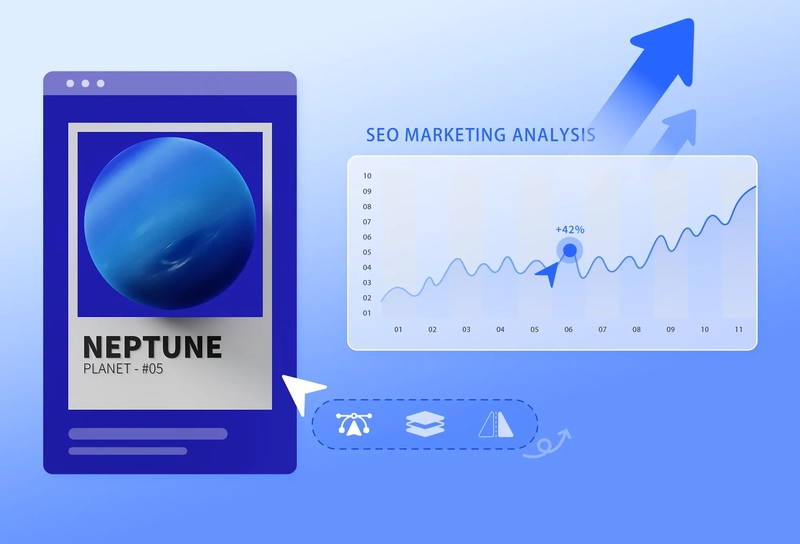
We audit the site and the ad accounts, review the data, and hand back an SEO report with a practical plan: which pages to fix, which keywords to chase, which landing pages to build first.
Design and build
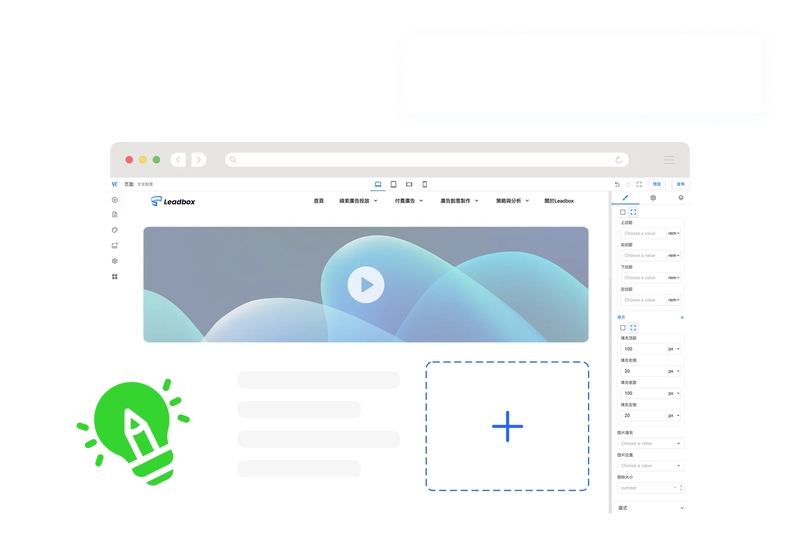
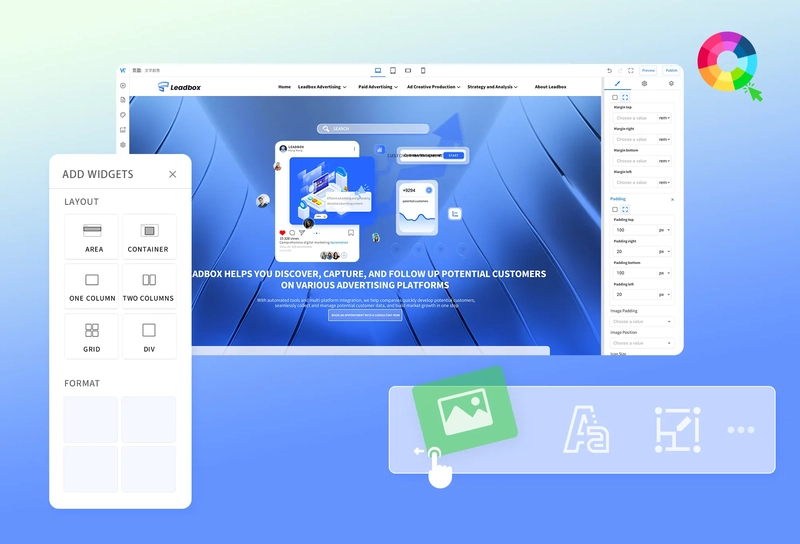
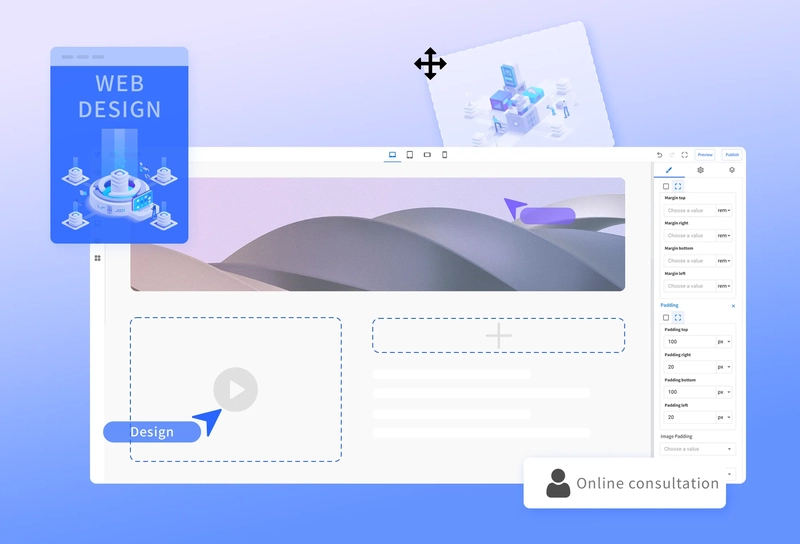
Weber, our own platform, carries the front end. Theme library, drag-and-drop editing, and responsive layouts cover most builds; custom work handles what the themes cannot.
Content and usability
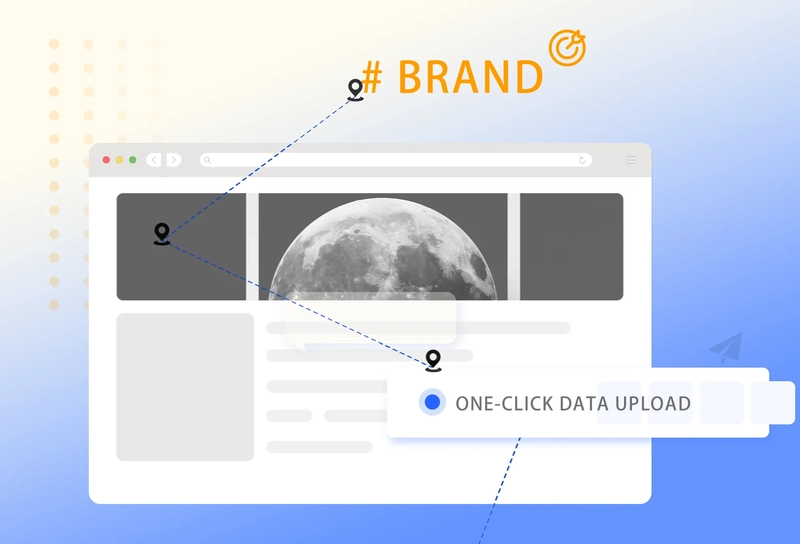
We collect or produce images, copy, and video, structure the information architecture, then upload and format it. Journey mapping and usability review catch the places where visitors get lost.
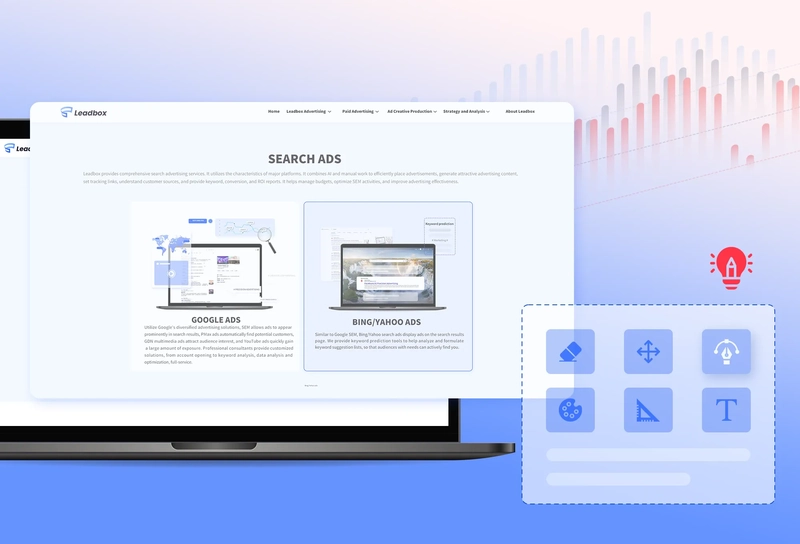
Landing pages
Pages designed for one action: quote, booking, call. We test two versions, keep the one that converts, and connect it to the ad campaign that feeds it.
Training
One-on-one remote sessions, illustrated documentation, and video lessons cover publishing, editing, and updates. Your team learns the platform, not just this one site.
How a web design project runs
1
Discovery
Requirements communication
Communicate in depth with clients to clarify website goals, audiences, functional requirements and expected results.
Concept design
Based on needs, propose innovative design concepts and determine website style and positioning.
User research
Analyze the target user group and understand their habits, needs and preferences.
Strategic research
Develop website development strategies, including content strategies, promotion strategies, etc.
Brand understanding
Conduct in-depth research on the client's brand to ensure that the website design is consistent with the brand image.
2
Content prep
Picture collection
Collect or take high-quality pictures according to design needs.
Text collection
Organize all the text content needed for the website, including introductions, product descriptions, news, etc.
Video collection
If the website contains video elements, relevant video materials need to be prepared or obtained.
Website architecture collection
Sort out the website information architecture and determine the page hierarchy and navigation structure.
3
Design
Design execution
Based on the conceptual design, specific visual design work begins.
Style study
Research deeply and make sure the design style matches the brand and user needs.
Interaction design
Design user interface interaction process to improve user experience.
Prototyping
Produce website prototypes for client review and confirmation.
4
Build
System integration
Integrate various systems (such as CMS, membership system, etc.) to ensure perfect website functions.
Backend development
Write website back-end code, handle database interactions, etc.
Front-end development
According to the design draft, perform web front-end coding to achieve visual effects and interactive functions.
System analysis
Conduct a comprehensive analysis of your website to ensure performance and security.
5
Test
Functional testing
Test whether all functions of the website are normal and ensure there are no bugs.
Website assessment
Conduct an overall evaluation of the website, including user experience, loading speed, etc.
Link test
Check whether the links inside and outside the website are correct.
Optimization and adjustment
Based on the test results, necessary optimization and adjustments will be made to the website.
6
Handover
Delivery of website management rights
Deliver website management rights to customers to ensure that customers can manage their websites independently.
Website delivery training
Provide customers with website management, content publishing and other training to ensure that customers can operate proficiently.
Follow-up support
Provide technical support and maintenance services within a certain period of time to ensure the continued stable operation of the website.
Web design FAQ
What is responsive web design?
One site that adapts to phone, tablet, and desktop. Layout, images, and navigation adjust automatically, so visitors get the same experience on any device.
How long does a site take?
A standard business site usually runs a few weeks from kickoff to launch, depending on page count and custom functions. Themes and the drag-and-drop editor shorten the build; custom integrations extend it.
How do we manage the pages afterward?
Training covers the editor, publishing, and updates. Most clients handle day-to-day changes themselves within a week of handover.
Our navigation confuses people. How do we fix it?
Start with the journey: what a visitor needs at each step, and how many clicks it takes. We review the menu structure, label pages by what people search for, and test the result with real tasks.
Can we design a page ourselves?
Yes. The theme library plus drag-and-drop handles most pages without code. Training gets a non-designer to a publishable page quickly.
How is security handled?
SSL on every site, scheduled scans, firewall rules, and prompt patching when a vulnerability is published. Access stays role-based, and backups run on a schedule.

Topkee — Marketing Connected to Revenue
Services
Products
© 2011–2026 Topkee Media. All rights reserved. | Topkee Pte. Ltd. (UEN 202441113M)