WeChat App Development, Create Your Own Mobile Application
The team behind the build
Developers who ship mini programs
One partner from plan to maintenance
Agile delivery
Data protection by default
Support after launch
What the builder gives you
Drag, drop, publish
The visual editor handles layout, type, and color without code. Pick from a template library that covers common industries, adjust the details, then preview on a live link before anything goes public. Changes appear as you make them, and the interface holds up on a phone.
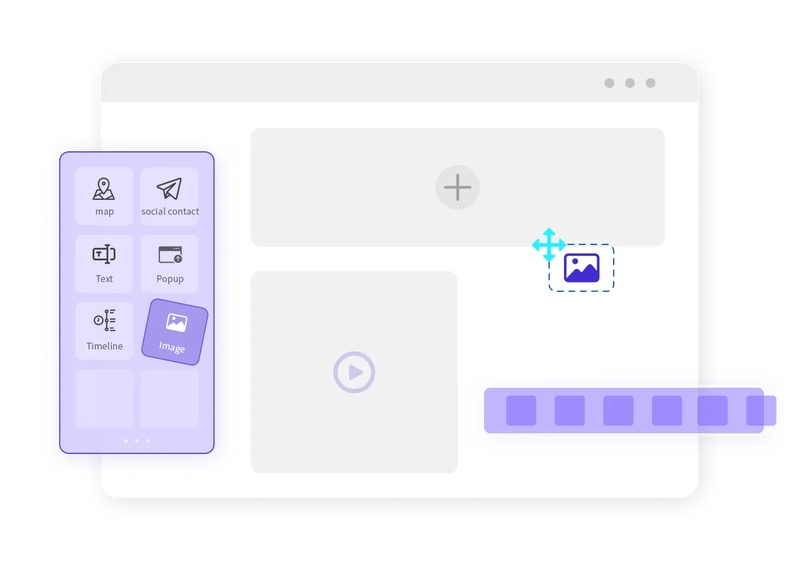

100+ functions, switched on at will
Turn on modules instead of commissioning them. Membership tiers, stored value, and points come configured. Order management runs without a commission, so the mini program does not tax every sale. Live streaming, global logistics, multi-currency, and multi-language cover cross-border selling. Coupons, channel management, and content tools for articles, images, and video fill out the rest.
Edit pages whenever the market moves
Create, save, reorder, or delete pages as the offer changes. Switch the whole theme for a holiday or a product launch in a few clicks. Multi-page editing lets your team work across screens in one view instead of tabbing between them.
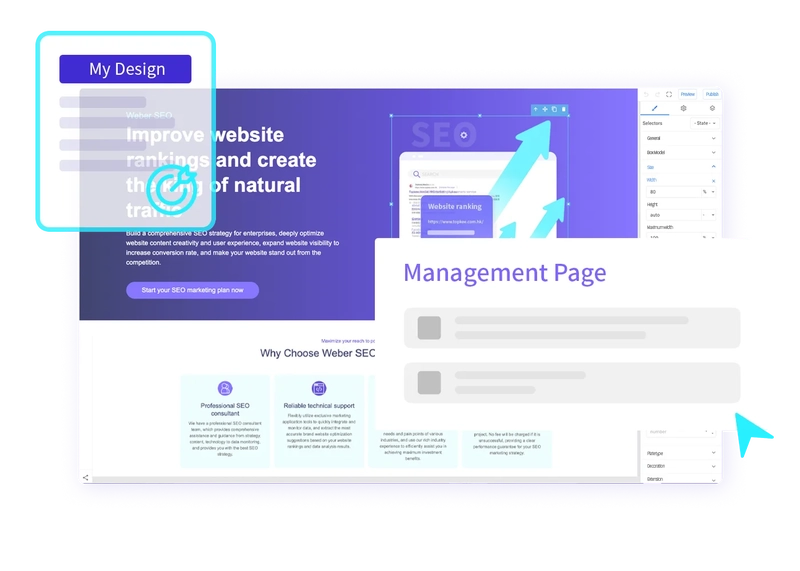
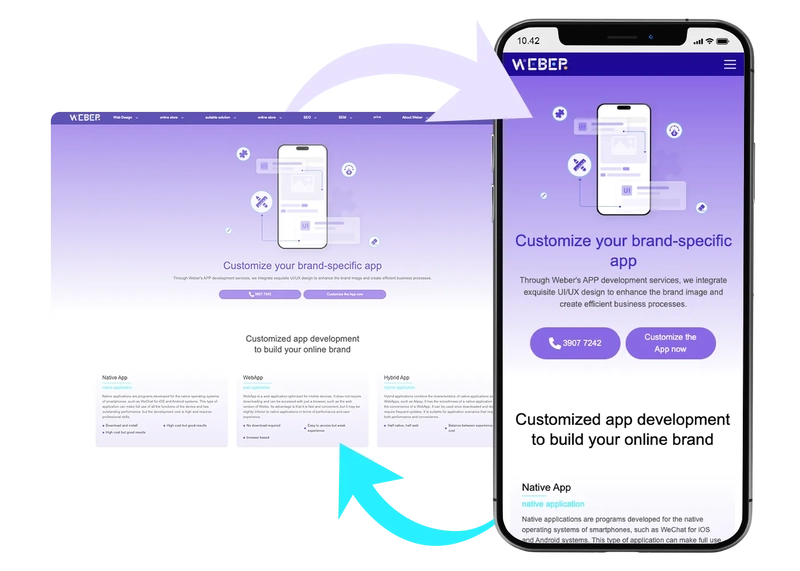
Website and mini program share one back end
Content and settings live in one place. Change a price or a section on the website and the mini program picks it up. Modules can be added to either surface, so you keep one brand and one message across both.
Training and permissions
A specialist walks your team through the editor in live sessions: page design, copy changes, function settings. Role-based permissions split work between staff, so each person sees only what their job needs.
Industries we build for
How a build runs
Mini program FAQ